Rental operations
Run daily rental work from one connected system
Coordinate bookings, contracts, invoices, maintenance, customers, and reporting without splitting work across disconnected tools.
Start your free trial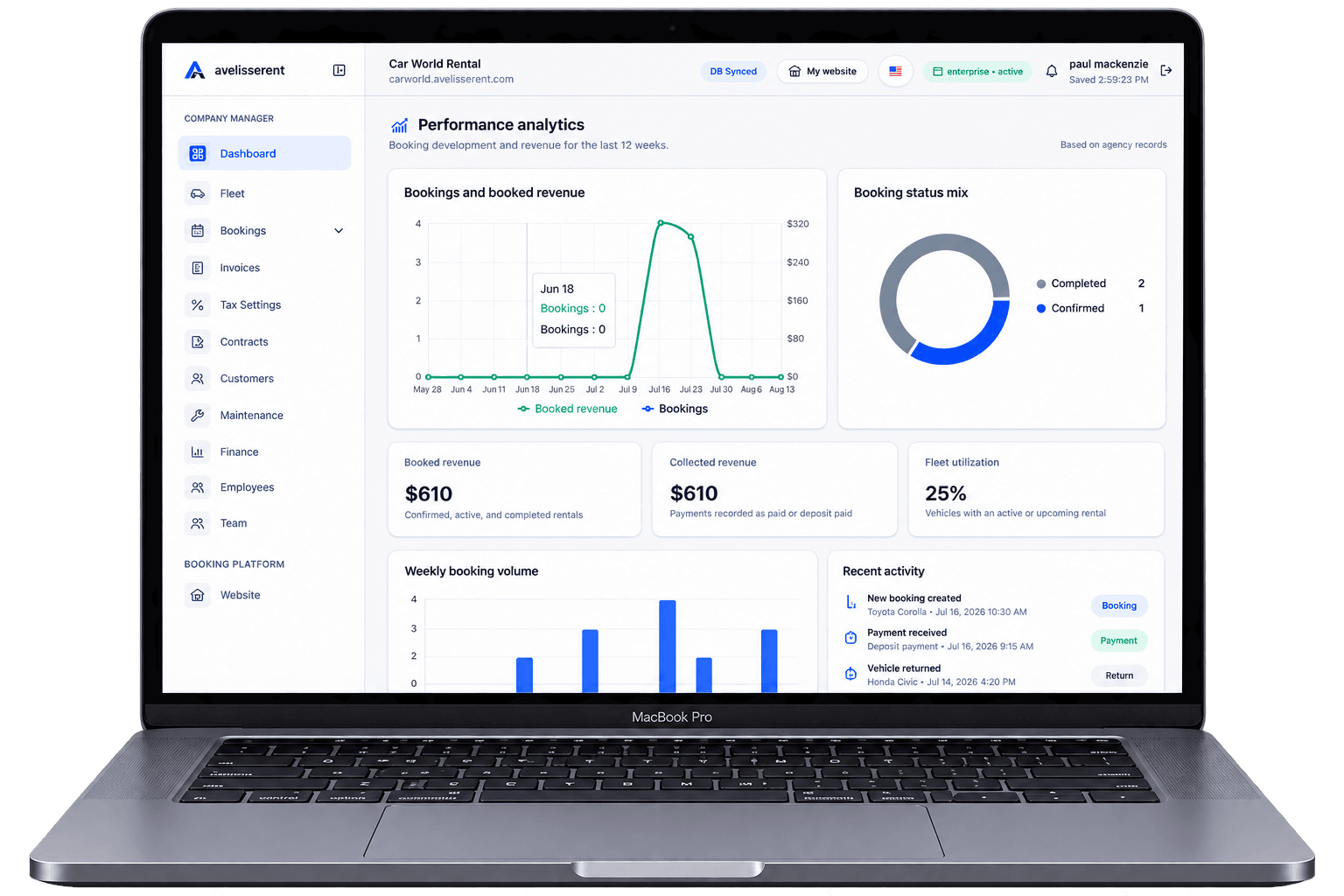
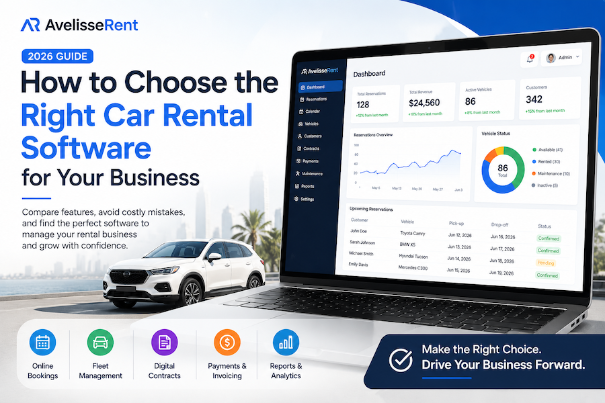
To choose car rental software confidently, define your requirements before watching product demos. Otherwise, every platform can look suitable while important gaps in availability, payments, contracts or staff workflow remain hidden.
This page is AvelisseRent’s requirements checklist. It helps you document your fleet, locations, booking channels, roles and must-pass workflows before creating a shortlist. When the checklist is complete, use the software evaluation scorecard to test products consistently, then consult the buyer’s comparison guide.
Complete This Requirements Checklist First
- Fleet: Record the number of vehicles, categories, locations and expected growth.
- Booking sources: List website, phone, walk-in, partner and repeat-customer reservations.
- Availability rules: Document turnaround buffers, maintenance blocks and vehicle substitutions.
- Pricing: Include daily, weekly, seasonal, location, extra and deposit rules.
- Documents and payments: Define contracts, signatures, invoices, taxes, deposits and refunds.
- Team access: List roles and which data or actions each role requires.
- Customer experience: Specify languages, mobile booking, confirmation and communication needs.
- Reporting: Identify the decisions your reports must support.
Label every requirement as must-have, important or optional. A product that fails a must-have workflow should not advance merely because it offers many optional features.
Why Your Choice of Software Matters
Car rental businesses operate in a competitive market where customers expect instant availability, online reservations, and fast service.
The right software helps you:
- Reduce manual work
- Prevent double bookings
- Improve customer satisfaction
- Increase online reservations
- Track vehicle availability in real time
- Automate contracts and invoices
- Generate business reports
- Scale without operational complexity
Instead of spending hours managing spreadsheets, your team can focus on delivering excellent customer service.
10 Essential Features to Compare
1. Online Booking System
Customers increasingly expect to book a vehicle online at any time.
Look for software that provides:
- Real-time availability
- Instant booking confirmation
- Mobile-friendly booking pages
- Secure online payments
- Automatic email confirmations
A built-in booking system reduces administrative work while improving the customer experience.
2. Fleet Management
Your software should make fleet management simple.
Essential capabilities include:
- Vehicle inventory
- Availability tracking
- Vehicle status
- Mileage records
- Maintenance schedules
- Damage reports
- Vehicle categories
Real-time fleet visibility helps maximize vehicle utilization and reduce downtime.
3. Reservation Calendar
A visual reservation calendar allows staff to see upcoming bookings at a glance.
Choose a solution that supports:
- Daily, weekly, and monthly views
- Drag-and-drop booking management
- Booking status updates
- Vehicle assignment
- Multi-location scheduling
This significantly reduces scheduling errors.
4. Customer Management
A complete customer database should include:
- Contact information
- Rental history
- Driver's licence details
- Notes
- Previous invoices
- Booking history
Having all customer information in one place improves service and repeat bookings.
5. Digital Contracts
Modern software should generate rental agreements automatically.
Benefits include:
- Faster check-in
- Electronic signatures
- Secure document storage
- Reduced paperwork
- Easy access to previous contracts
Digital agreements improve operational efficiency while keeping records organised.
6. Payment Processing
Choose software that supports secure online payments and flexible billing.
Important features include:
- Credit card payments
- Security deposits
- Refund management
- Invoice generation
- Payment tracking
Integrated payment processing saves time and reduces accounting errors.
7. Reporting and Analytics
Good decisions require accurate data.
Your software should provide reports on:
- Revenue
- Bookings
- Fleet utilisation
- Customer growth
- Popular vehicle categories
- Booking sources
These insights help identify opportunities to improve profitability.
8. Mobile Accessibility
Rental businesses are rarely tied to a single office.
Cloud-based software allows managers and staff to access information securely from laptops, tablets, or smartphones, making operations more flexible.
9. Multi-User Access
As your business grows, different employees may require different levels of access.
Look for features such as:
- Role-based permissions
- Employee accounts
- Activity logs
- Secure authentication
This improves security and accountability.
10. Scalability
Your software should support future growth.
Consider whether it can handle:
- More vehicles
- Additional employees
- Multiple locations
- Corporate customers
- Increased booking volumes
Switching systems later can be expensive, so choose software designed to grow with your business.
Common Mistakes to Avoid
Many rental companies choose software based solely on price.
Instead, evaluate the overall value.
Avoid software that:
- Requires excessive manual work
- Doesn't include online booking
- Lacks reporting tools
- Has limited customer support
- Cannot scale with your business
- Doesn't receive regular updates
The cheapest solution is not always the most cost-effective in the long run.
Cloud vs Desktop Software
Cloud-based solutions offer several advantages:
- Automatic updates
- Remote access
- Secure backups
- Easier collaboration
- Faster deployment
Desktop software may require local installation and manual updates, making it less flexible for growing businesses.
Questions to Ask Before Buying
Before making a final decision, ask:
- Is there a free trial?
- Is the pricing transparent?
- Does the software include online bookings?
- Can customers pay online?
- Is technical support available?
- Can I manage multiple locations?
- Is customer data secure?
- How often are updates released?
Taking the time to compare solutions carefully can save significant time and money later.
Why Growing Rental Businesses Choose AvelisseRent
AvelisseRent is designed specifically for independent and growing car rental agencies.
With AvelisseRent, you can:
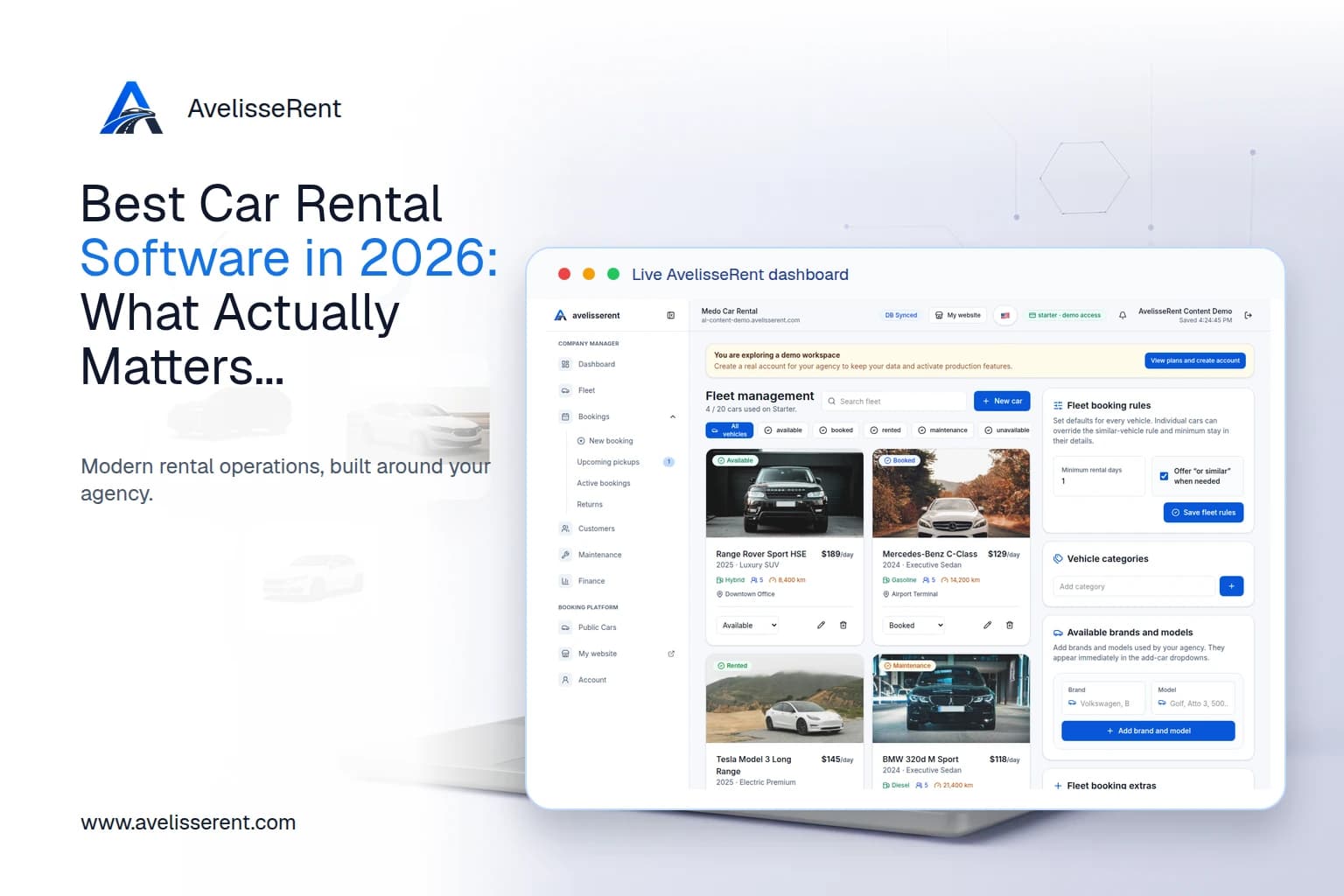
- Manage your fleet from one dashboard
- Accept online reservations 24/7
- Track vehicle availability in real time
- Generate digital rental agreements
- Manage customers and employees
- Receive secure online payments
- Monitor maintenance schedules
- View detailed business analytics
- Scale from a small fleet to multiple locations
Whether you're launching a new rental agency or modernising an existing operation, AvelisseRent provides the tools needed to streamline your workflow.
Frequently Asked Questions
What is car rental software?
Car rental software helps rental businesses manage reservations, vehicles, customers, contracts, payments, and reporting from a single platform.
Is cloud-based software better?
For most businesses, cloud-based software offers greater flexibility, automatic updates, remote access, and easier collaboration.
Can small rental companies benefit?
Absolutely. Even businesses with a small fleet can save time through automation and online booking.
Does car rental software replace spreadsheets?
Yes. Modern software centralises information and automates many manual tasks that spreadsheets cannot handle efficiently.
Can customers book vehicles online?
Most modern rental management platforms include online booking systems that allow customers to reserve vehicles directly from your website.
Conclusion
Choosing the right car rental software is an investment in your business's future. By focusing on essential features such as online booking, fleet management, customer records, reporting, and scalability, you can build a more efficient operation and deliver a better customer experience.
Rather than selecting software based only on price, evaluate how it supports your daily workflow and future growth. The right platform should reduce administrative work, improve booking efficiency, and help your rental business grow with confidence.
Use the Checklist With Real Product Information
After documenting your requirements, apply the 2026 software evaluation scorecard, consult the buyer’s comparison guide, review the AvelisseRent feature overview, and compare plan limits.

Mohamed Elazzabi
Founder & CEO of Avelisse Labs LLC | SaaS & App Developer | Content Creator
I'm Mohamed Elazzabi, Founder and CEO of Avelisse Labs LLC Launching AvelisseRent SaaS platform built to help car rental businesses simplify and automate their daily operations. I create content about car rental business growth, digital transformation, automation, SaaS, and technology, sharing practical ideas to help rental agencies work smarter, reduce manual tasks, improve customer experience, and grow their business. Building smarter tools for modern car rental businesses.