Browse Getting Started
The booking website is prepared from the Booking Platform area of the dashboard. Use these tools after completing Website settings and adding vehicles.
Website Management
Website Management shows quick links for Booking website, Branding, Pages & Blog, Custom domain, and Website settings. It also summarizes public cars, featured cars, bookings received, and customers.
Public Cars
Public Cars controls which operational cars appear on the public booking website. Use the public or hidden state, publish or hide actions, featured controls, and edit action to keep the public fleet accurate.
Branding and SEO
Branding manages Business name, Logo URL or uploaded data URL, Primary color, and Secondary color. Search Engine Optimization manages SEO title, Meta description, SEO keywords and phrases, Social preview image URL, and whether search engines and AI crawlers can index the public website.
Pages and blog
Website Pages & Blog creates agency website pages and blog posts, edits page SEO, and controls which pages appear in the public navigation. Review Page or Blog type, Published or Draft status, Navbar status, and Edit controls before going live.
Final preview
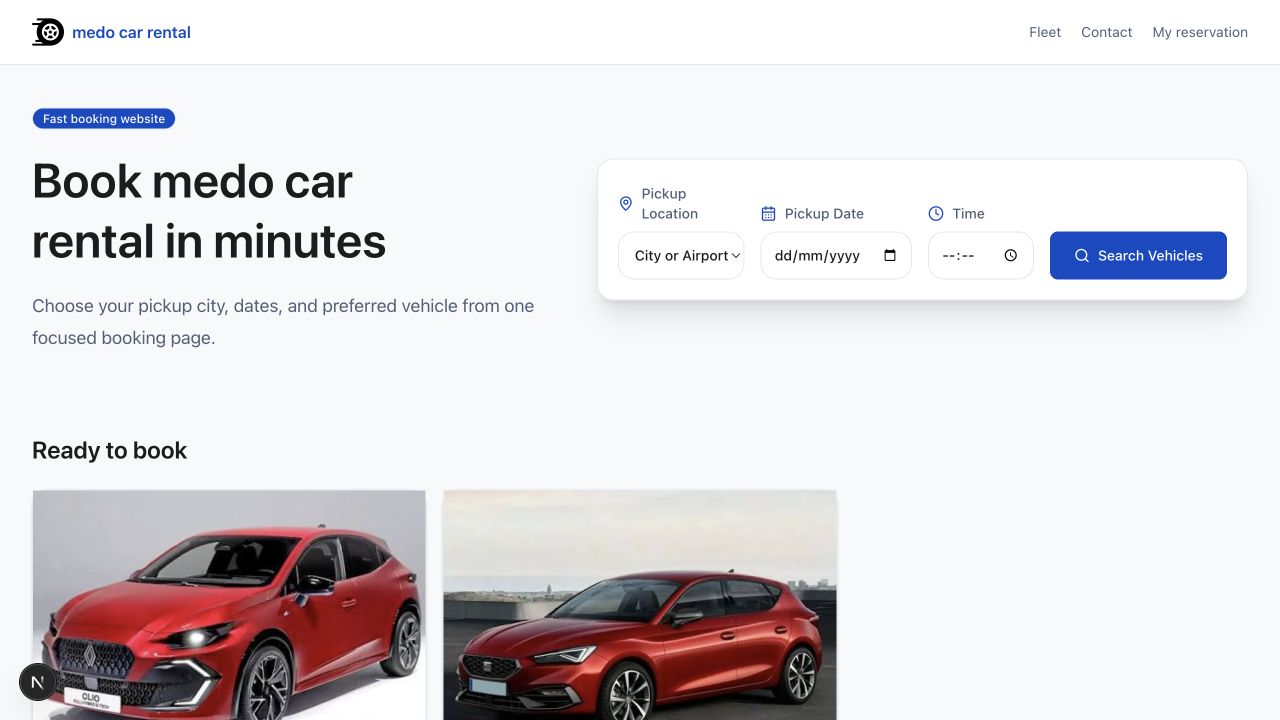
Open My website and test the public fleet, vehicle cards, contact links, legal links, reservation controls, and payment messaging before sharing the site.
Was this article helpful?
Your feedback helps improve official AvelisseRent documentation.